- Company
- Profile Guide
- How to Reset the Profile Password
How to reset your Profile password
1. On our website press “Login”.

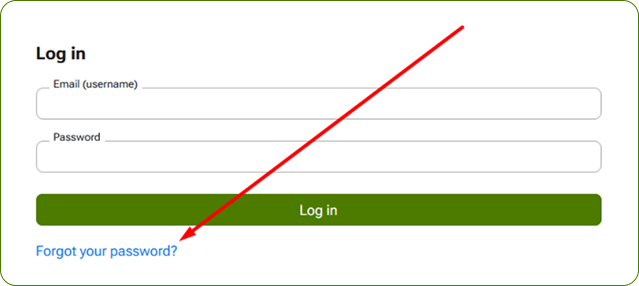
2. Press “Forgot your password?”
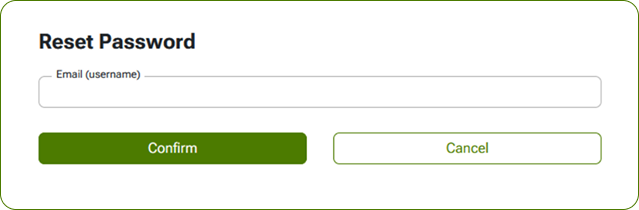
3. Enter your email and click “Confirm”.
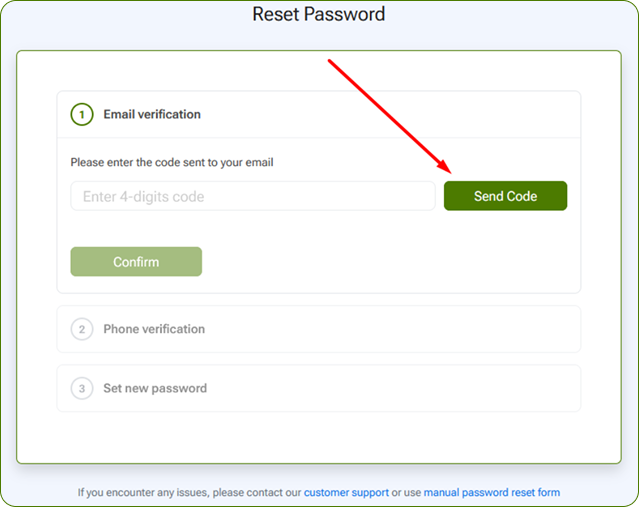
4.Click “Send code” button.
5. Check your email inbox and find a message titled “Your code for verification”.
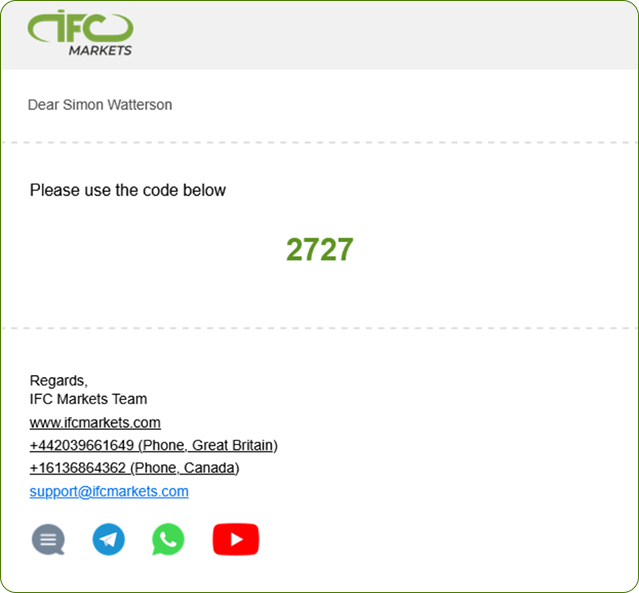
If you haven’t received the message by email please contact us and provide a fresh photo of your Identity document.
6. Enter the 4-digit code and click “Confirm”.
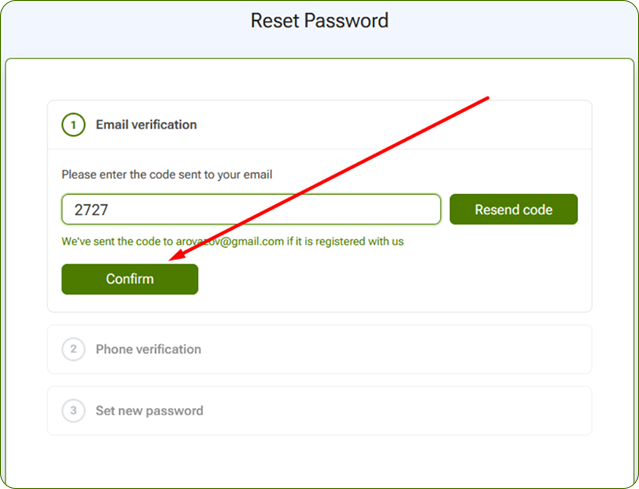
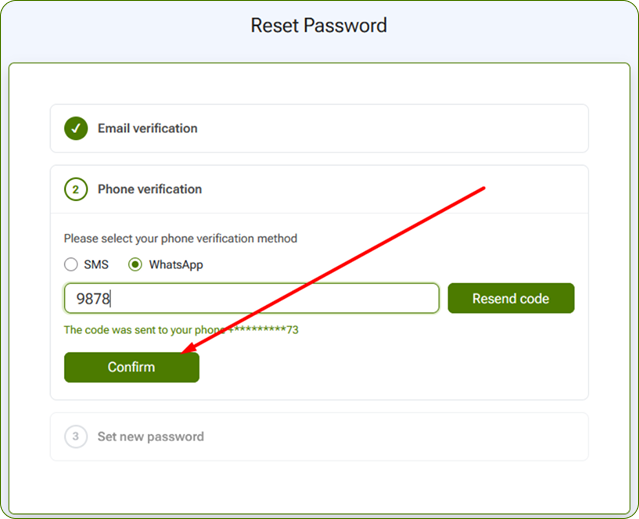
7. Select your phone verification method (SMS or Whatsapp) and click “Send code” button.
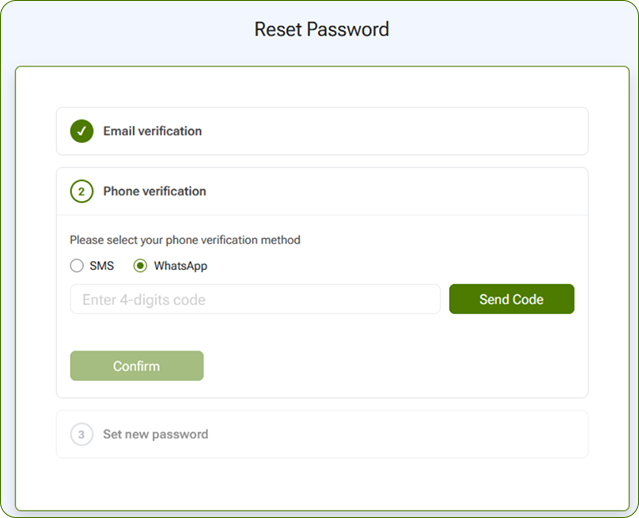
8. Find the 4-digit code sent by SMS or WhatsApp on your phone.
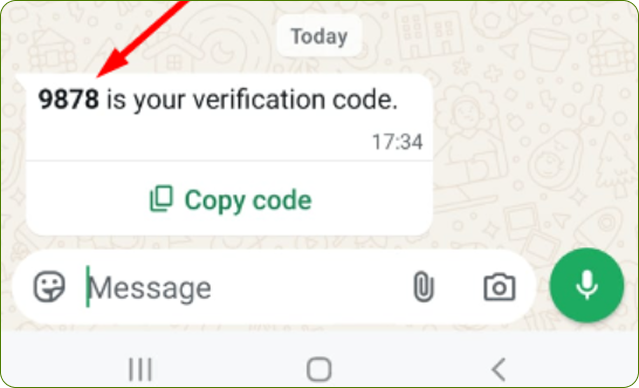
9. Enter the 4-digit code and click “Confirm”.
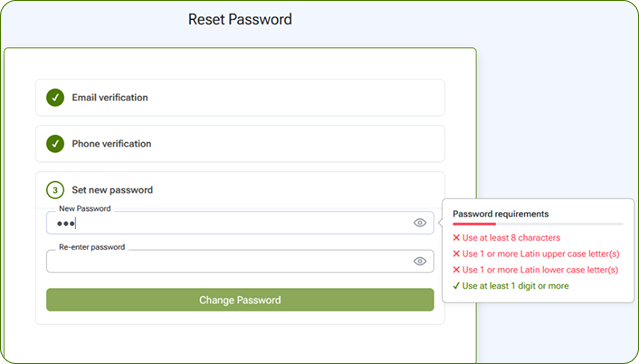
10. Set and re-enter your new password.